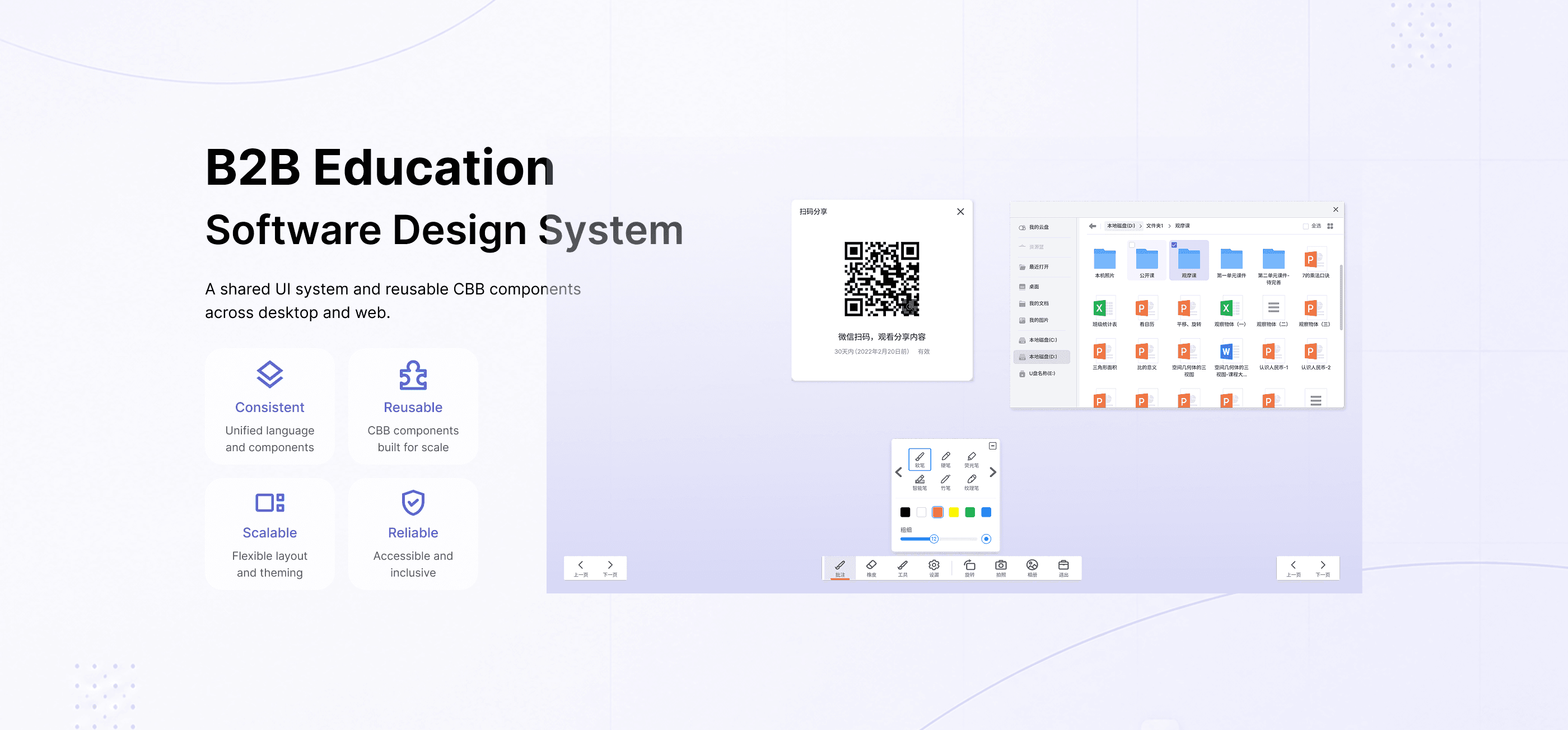
Project Overview
A shared UI system and reusable component library designed for multiple B2B education software products, supporting consistency across interactive displays, desktop clients, websites, and mobile applications.
Tools & Methods
Sketch, Figma, component library, developer handoff, QA review
Team
Product managers, interaction designers, front-end developers, software engineers, QA testers
Timeline
Part of my work at Honghe Technology, 2016–2023
Challenge
The company had multiple education software products, but similar UI patterns were often redesigned or rebuilt separately. This created inconsistent interface details, repeated design and development work, and extra QA effort during implementation.
Ordering Flow Issues
No clear starting point in the ordering flow
Visual Hierarchy Issues
High-visual elements dominate attention over key actions
Action & Feedback Issues
Primary action lacks clarity and progression
Goal
Create a shared design system that could improve consistency, reduce repeated work, support development, and help teams deliver higher-quality product interfaces.
Ordering Flow Issues
No clear starting point in the ordering flow
Visual Hierarchy Issues
High-visual elements dominate attention over key actions
Action & Feedback Issues
Primary action lacks clarity and progression
My Role
As a UI Designer, I designed reusable UI components, interaction patterns, layout rules, and visual standards. I also worked with product managers, interaction designers, front-end developers, software engineers, and QA testers to support implementation, testing, and project adoption.
System Structure
Instead of organizing components only by visual style, I grouped them by product usage scenarios to make the system easier for designers and developers to reference.
The system was organized into reusable categories based on product needs:
General UI
Navigation
Data Entry
Data Display
Feedback
Other Patterns

Foundations
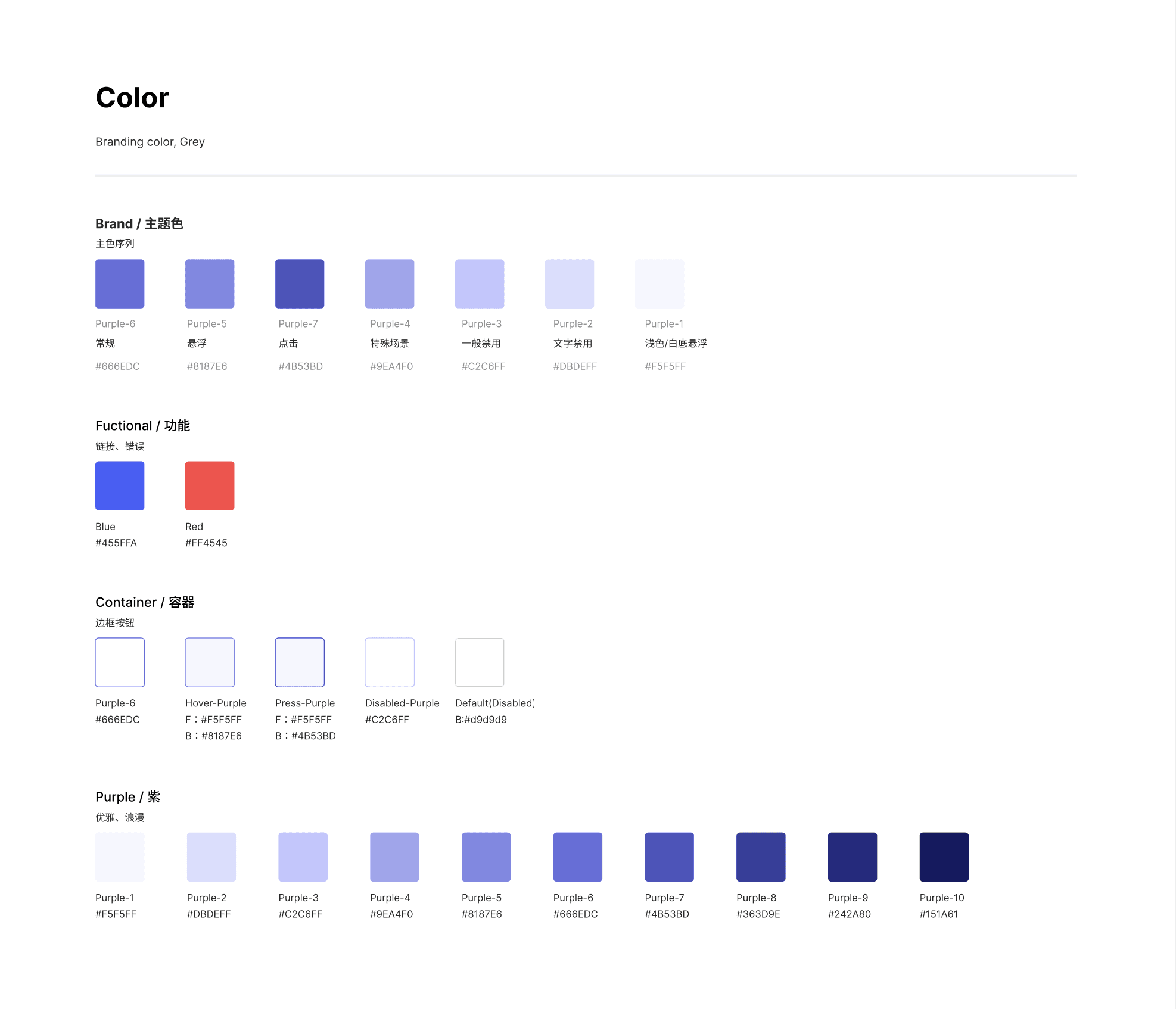

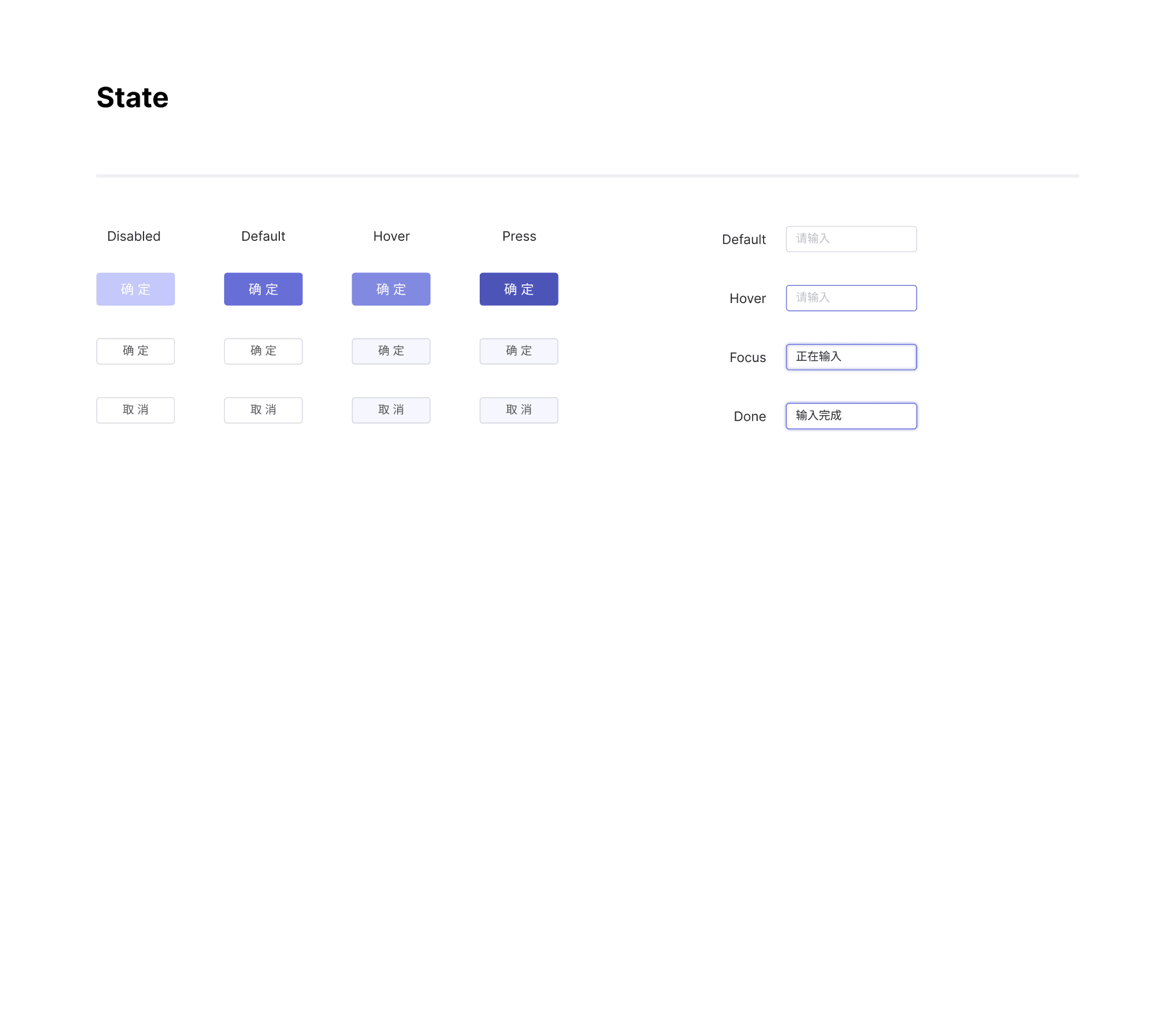
Core Components


CBB Module Example: QR Code Sharing
This module was designed as a reusable component with multiple interaction states, including default display, edge positioning, floating window, enlarged view, hover/press behaviour, loading, and refresh. Documenting these states helped developers implement the module consistently across different products.


Applied Example: Resource Manager
The system was applied to a resource management module, supporting thumbnail view, list view, empty state, input state, and action controls. This showed how shared components could support real product scenarios while maintaining consistency.
Ordering Flow Issues
No clear starting point in the ordering flow
Visual Hierarchy Issues
High-visual elements dominate attention over key actions
Action & Feedback Issues
Primary action lacks clarity and progression


Implementation & QA
I worked with front-end developers, software engineers, QA testers, product managers, and interaction designers to review component implementation, resolve inconsistencies, and ensure the final product matched the intended user experience.
Design system

CBB component
Development
Testing
Product adoption
Outcome
Improved design-to-development efficiency across shared product modules
Reduced repeated UI design and development work
Improved consistency across multiple software products
Supported reusable CBB components across different modules
Improved final product quality through implementation and QA review